
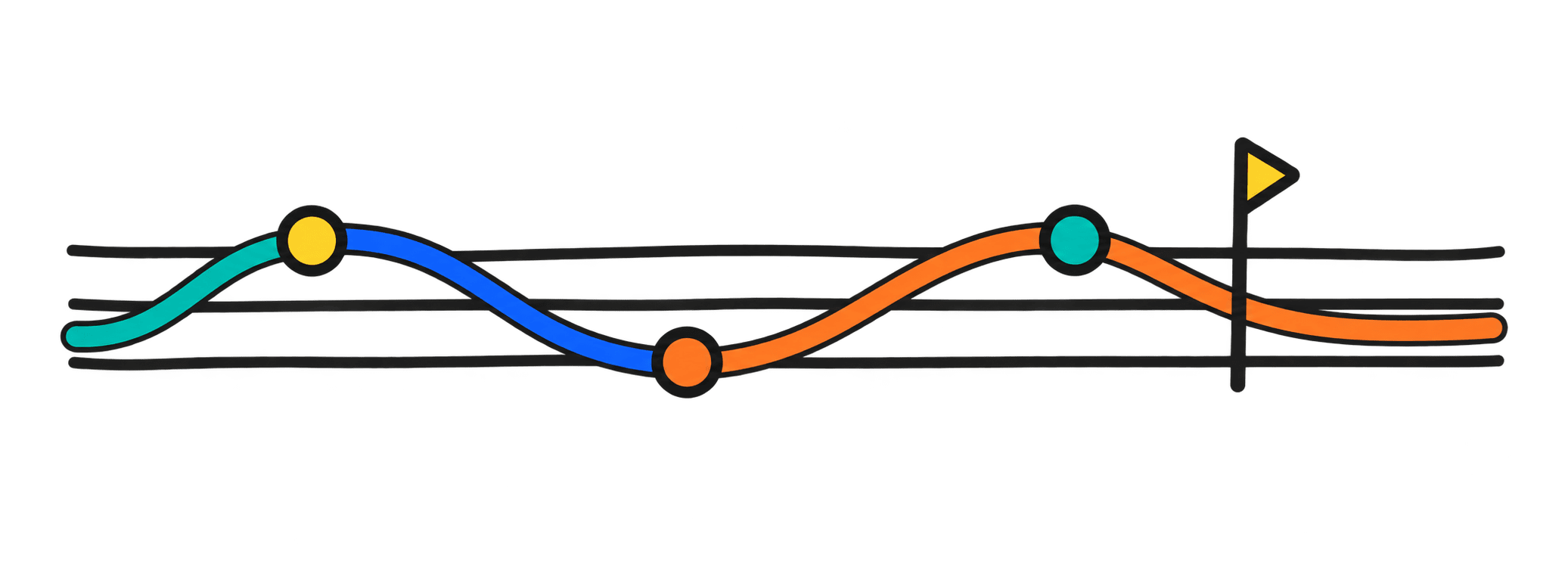
Left becomes earlier.
The playhead travels across the drawing, so space turns into time.
visual music, without the blank-page panic
Wiggly Music is a free visual music instrument. Put a line on the canvas and hear pitch, rhythm, and color move together—no notation or setup required.
It works like a drawing surface and a sequencer at the same time. The horizontal position of a mark becomes time, its height becomes pitch, and its color becomes a voice you can shape, loop, and share.
community gallery
Open any piece inside the instrument. Listen first, then redraw whatever you want.
see every piece →Draw the first loop, give it a name, and publish it from the editor.
start a drawing →how the canvas reads
The playhead travels across the drawing, so space turns into time.
Move a mark vertically and its pitch follows. The grid can show the notes.
Layer colors, beats, and programs until the picture sounds like itself.
four ways into the canvas
There is no required workflow. Start with a contour, a pulse, a theory question, or a live MIDI gesture and let the drawing explain the rest.
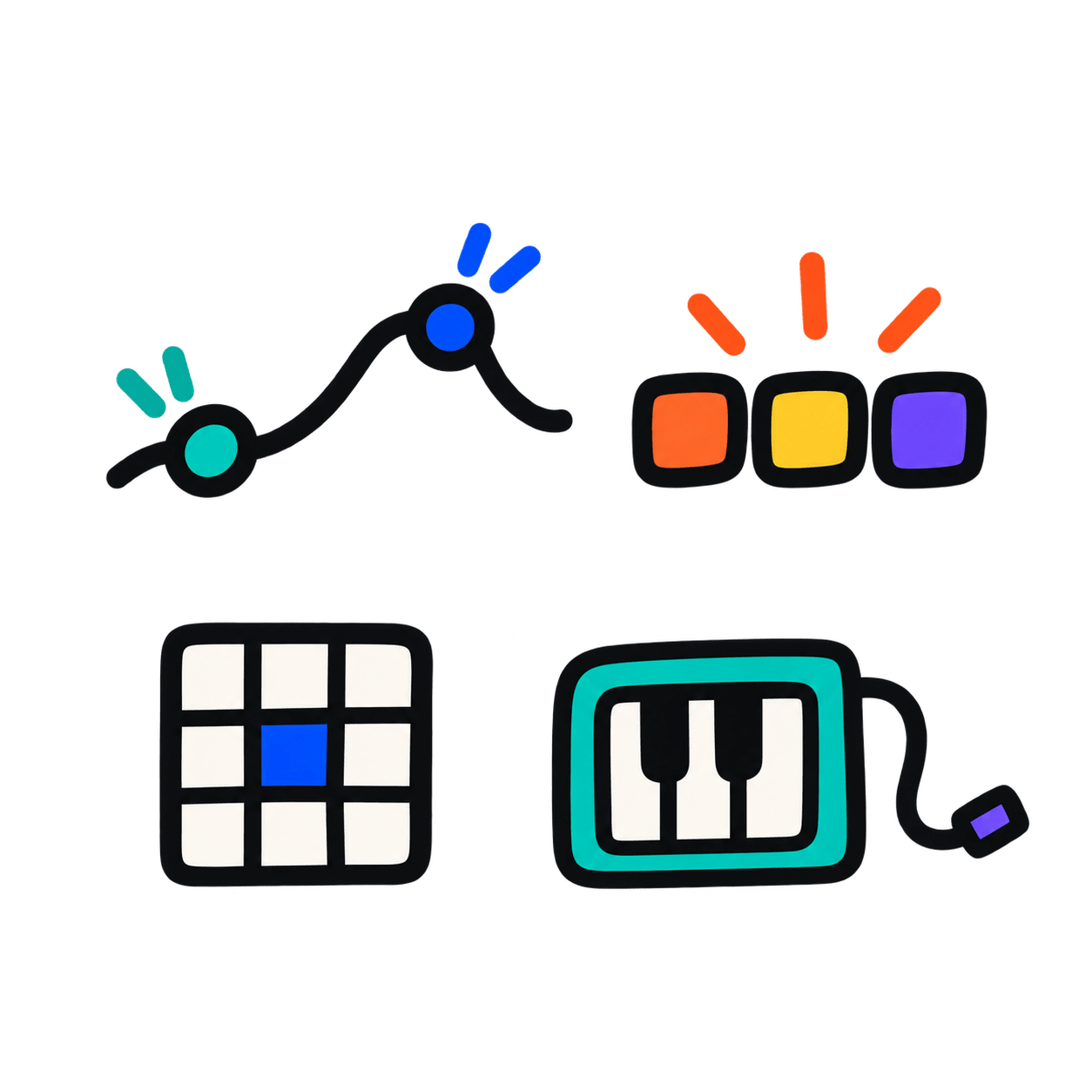
Draw the rise and fall you hear, then choose a key and scale when you want the line to settle into a tonal shape.
Switch on bass, drums, or arpeggio patterns, change quantization and swing, and redraw the spaces until the groove breathes.
Use the note grid, range, octave, key, and scale controls to turn an abstract sketch into something you can inspect and learn from.
Connect MIDI when you want physical keys in the loop, then combine the performed notes with drawn marks and changing colors.
a small studio, not a toy demo
The drawing stays at the center. Keys, scales, tempo, swing, quantization, MIDI, backgrounds, and export wait nearby instead of interrupting the idea.
before the first note
It is a sequencer you can draw on. Instead of placing notes only on a conventional timeline, you make marks whose position, height, and color control what you hear.
No. You can work entirely by ear and shape. The optional note grid, key, and scale controls are there when music theory becomes useful, not as an entrance exam.
Yes. Export the result as WAV or MIDI, or publish a share link that reopens the piece inside the Wiggly Music instrument.
Draw with a mouse or touch input in a modern browser. If your browser supports Web MIDI, you can also connect a MIDI controller and combine performance with drawing.
We use analytics to understand visits and improve Wiggly Music. We do not use it for advertising or send form data.